

Free tools for creators, right in your browser
Open a video or audio file here, or pick a tool below: editors that never upload your file, and cards made from your X account. No account, nothing to install.
Or drop it anywhere on this page. Up to 2 GB, 4 GB to compress a video.

Tools

Silence remover
Find the dead air in a video and cut it out, then fix any cut on the timeline.
Opens MP4, MOV, WebM, MKV. Saves MP4.
Remove silence
Simple Audio Editor
Cut a recording, take out the pauses, set volume and fades, and even out the loudness.
Opens MP3, WAV, M4A, AAC, OGG, FLAC. Saves MP3, M4A or WAV.
Edit audio
Video Compressor
Make a video file much smaller, and see the new size before you start.
Opens MP4, MOV, M4V, WebM, MKV, AVI. Saves MP4.
Compress video Add subtitles
Subtitles Lite
The speech in a video becomes subtitles, written on your own device. Fix the words, pick a style and burn them in.
Opens MP4, MOV, M4V, WebM, MKV, AVI. Saves MP4, or the subtitles as SRT or VTT. Downloads a speech model once per device.

For your X account
Tools that read public X data. No login, nothing to upload.
X Recap
Turn your X activity into a set of shareable story cards.







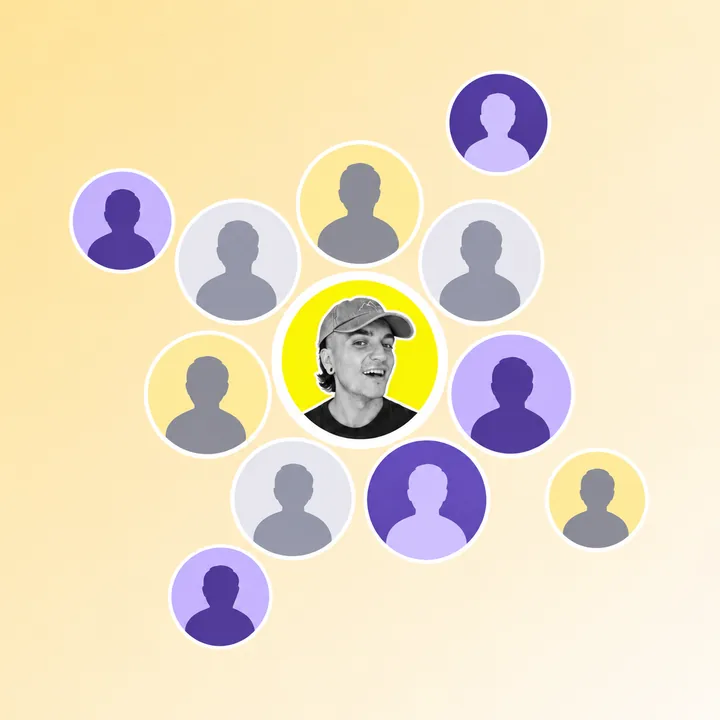


X Circle
See who an X account talks with most, arranged around its profile photo.
X Friendship Test
Compare two usernames and see how strongly they interact.



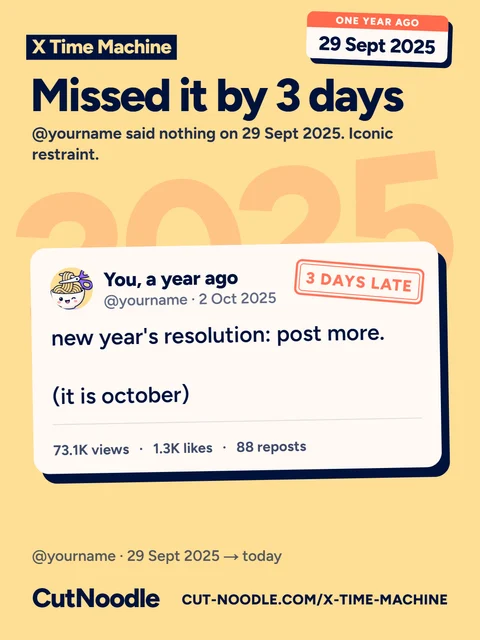


X Time Machine
Revisit what an X account posted on this day last year.
X Visibility Check
Check how a public account appears across X search and replies.




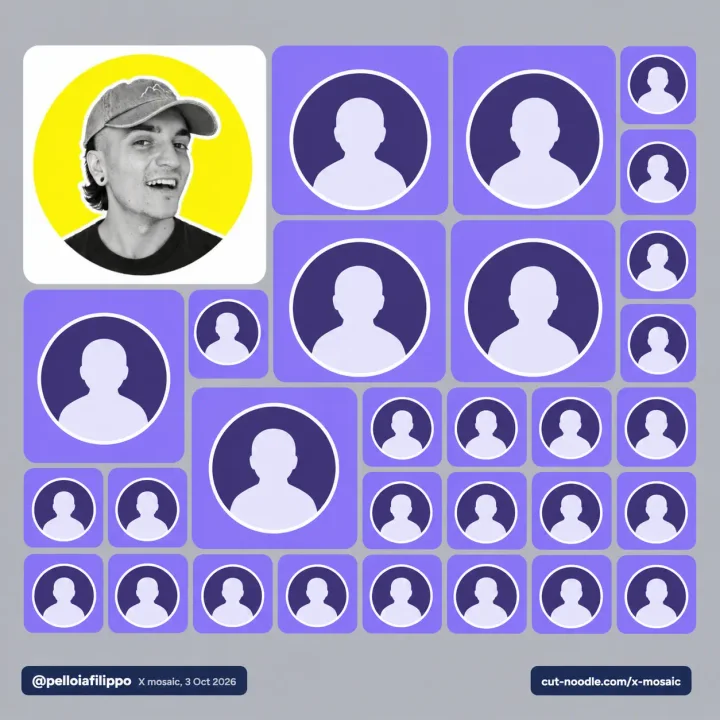
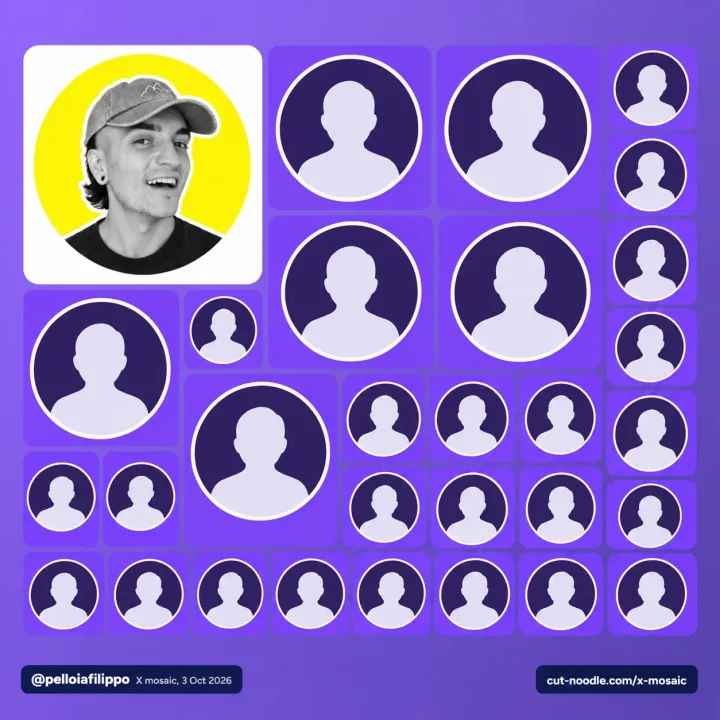
X Mosaic
Turn an account's closest interactions into a photo mosaic.
X Country Battle
Add an X account and move its country up the world leaderboard.





X Followers Header
Turn public followers or following into an X profile background and an animated post.










How your file stays on your computer
The video and audio tools read, cut and encode the file on the machine it is already on, using your browser’s own media engines and ffmpeg compiled to WebAssembly. Silence is found by loudness, not by a transcript, so any language works.
Because the work happens in a browser tab, it has edges worth knowing. Encoding is slower than a desktop application on the same hardware, and a long export asks a lot of the tab’s memory. These are the numbers.
- Largest file
- 2 GB
- 4 GB in the Video Compressor.
- Loudness target
- −16 LUFS
- How loud the audio editor makes a recording, with a −1.5 dBTP true peak ceiling.
- Heavy exports
- 400 MB
- Above this the two editors can run out of tab memory.