

Make your X interaction circle
Type a username. CutNoodle reads its recent public posts and draws the people it talks with most, closest in the middle.
What you get
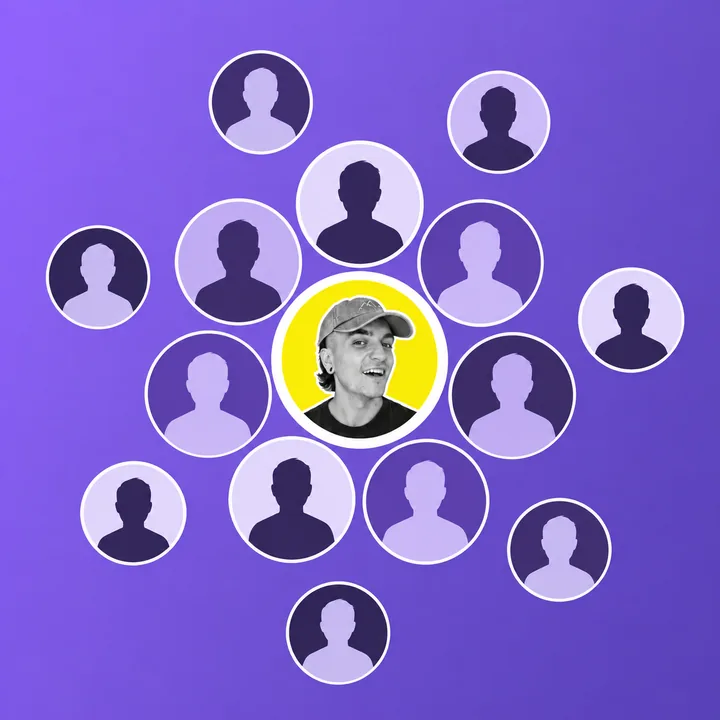
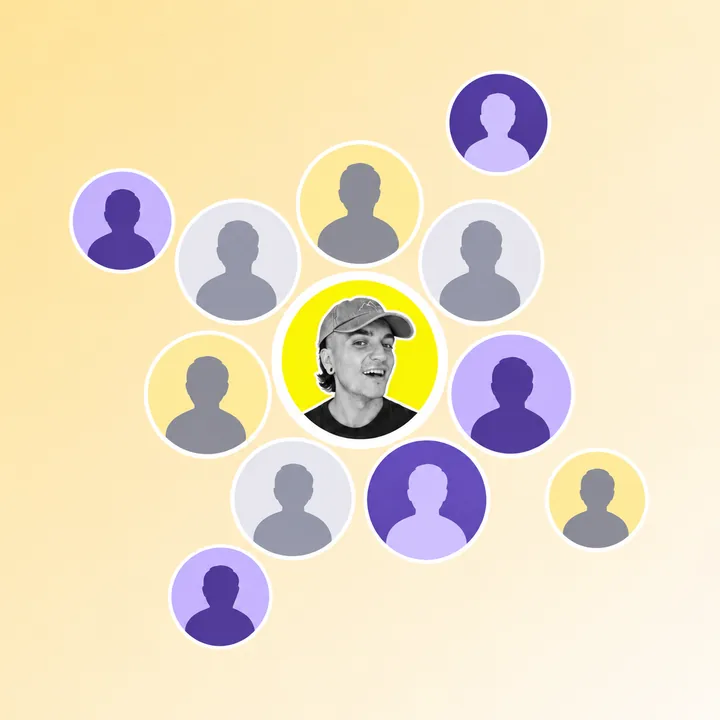

X Circle draws the people an X (Twitter) account interacts with most, as rings around its profile photo: the closest in the middle, the occasional ones on the outside. It works for any public account, needs no login, and gives you a PNG to post or keep.
How it works
- It reads recent public posts. Two streams at once: the account's own posts and replies, and the posts by other people that mention it. Both come straight to this browser tab through FxTwitter, an independent unofficial service that reads public X posts.
- It turns each post into interactions. A reply, a quote, a repost or a mention links two people, in one direction. The reply chain X puts at the start of every answer is not counted as a mention.
- It scores every person. Each interaction counts by type, fades with age, and counts for more when it goes both ways.
- It draws the circle. The account sits in the middle, the top of the ranking packs around it with the largest photos, and each ring further out is smaller, up to 50 people.
How the score is calculated
A reply is worth 3, a quote 2.5, a mention 1.5 and a repost 1: the more effort an interaction takes, the more it says. Each value halves every 30 days, so last week weighs more than last month.
Then the two directions are combined. With what the account gave someone on one side and what it got back on the other, the score is the square of the sum of their square roots. One way only, it stays the plain sum. Evenly both ways, it doubles. Someone who talks with you ends up closer than someone who only talks at you, or whom you only talk at.
Under the picture every person is listed with what put them there, so you can check the ranking and take anyone out of the picture.
What it does not do
- It sees public posts only: no likes, no follows, no direct messages, nothing from private accounts.
- It reads a few hundred recent posts, not the whole history. For an account that posts all day that is only a few days; for a quieter one, months.
- It depends on FxTwitter, an independent unofficial service that reads public X posts. When that service is slow or down, X Circle is too. When X search is not available, the circle counts the replies under the account's posts instead of every mention, and the page says so.
- It does not keep a history of your circles and cannot track changes over time.
- The circle is a picture of recent activity, not of friendship.
Where your data goes
The username you type is sent from this tab to FxTwitter, an independent unofficial service that reads public X posts. It receives the username, your IP address and ordinary technical request information. Profile photos load from X's image server or may pass through CutNoodle's temporary image cache. The ranking and picture are made in your browser.
Only when you choose a share link is the displayed circle stored by CutNoodle for up to 30 days. The details, rights and removal route are in the privacy policy.
Common questions
Do I need to log in to X?
No. X Circle does not ask for your X password or access to an X account. It reads public account information through FxTwitter, an independent unofficial service.
Can I make a circle for someone else?
It can read any public account, not only yours. Public information can still concern a real person, so use the result respectfully and do not use it to harass, misrepresent or make consequential decisions about them.
Why is someone I talk to a lot missing?
Likes, follows and direct messages are not public, so they are not counted. The circle also only reaches back as far as the posts it read: for a very active account that can be a few days. Someone you talked with a lot last year will not show up if you have not talked since.
Why did my circle come out different from yesterday?
It is built from your most recent posts at the moment you press the button, and older interactions count for less every day. A new conversation moves people in; a quiet week moves them out.
What is saved when I make a share link?
The circle as you see it: the usernames, display names and profile photo addresses of the people in it, their scores and your style settings. It is stored under an eight character ID so the link can open it, and deleted automatically after 30 days, when the link stops working. Nothing is saved if you only download the PNG.